
Android Enterprise Management: Everything IT Teams Need to Know
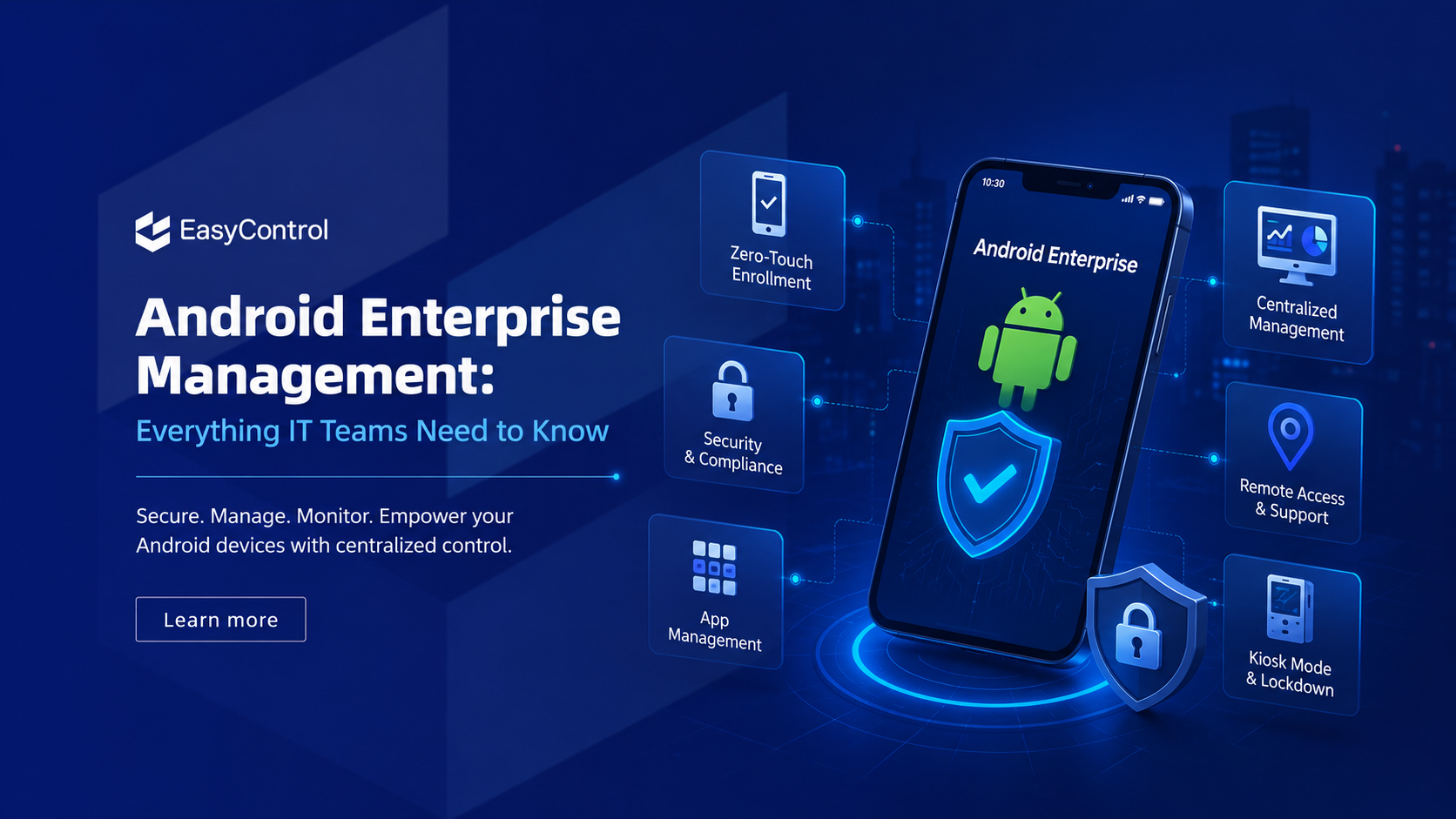
Managing hundreds or even thousands of Android devices has become a major challenge for modern IT teams. As businesses adopt mobile-first workflows, employees rely on smartphones, tablets, rugged devices, kiosks, and dedicated terminals to perform daily tasks. Without a centralized management system, maintaining security, deploying applications, and ensuring compliance quickly become overwhelming.
This is where Android Enterprise Management comes in. It provides organizations with the tools to securely deploy, monitor, update, and manage Android devices from a single dashboard. Whether you're managing company-owned devices, employee-owned devices (BYOD), or purpose-built devices for retail and logistics, Android Enterprise helps simplify IT operations while improving security.
In this guide, you'll learn what Android Enterprise Management is, how it works, its benefits, key features, best practices, and how businesses can streamline device administration with a modern Mobile Device Management solution.
What Is Android Enterprise Management?
Android Enterprise Management is Google's enterprise framework that enables businesses to securely manage Android devices at scale. It works alongside an Android MDM solution to give IT administrators complete control over enrolled devices while maintaining user privacy and organizational security.
With Android Enterprise, organizations can:
-
Enroll devices remotely
-
Configure security policies
-
Deploy business applications
-
Restrict unauthorized device usage
-
Monitor device health
-
Push OS and app updates
-
Lock devices into kiosk mode
-
Wipe lost or stolen devices remotely
Instead of configuring every device manually, IT teams can automate the entire lifecycle—from provisioning to retirement.
Why Android Enterprise Management Matters
Today's workforce is more mobile than ever. Employees work from offices, homes, warehouses, retail stores, hospitals, and customer locations. Every endpoint connected to company resources introduces potential security risks.
Without proper management, organizations may face:
-
Data breaches
-
Unauthorized app installations
-
Lost or stolen devices
-
Compliance violations
-
Productivity loss
-
High IT support costs
An enterprise mobility strategy powered by Android Enterprise Management ensures that every managed device follows company policies while remaining productive and secure.
Key Features of Android Enterprise Management
1. Zero-Touch Device Enrollment
Setting up hundreds of devices manually can take days. Zero-touch enrollment allows newly purchased Android devices to automatically configure themselves when powered on.
Benefits include:
-
Faster deployment
-
Minimal IT intervention
-
Consistent configurations
-
Reduced setup errors
This is especially useful for businesses expanding across multiple locations.
2. Centralized Device Management
A centralized dashboard allows administrators to manage all Android devices from one place.
IT teams can:
-
View device inventory
-
Monitor device status
-
Organize devices into groups
-
Apply policies instantly
-
Track hardware information
Centralized management significantly reduces administrative workload.
3. Remote Device Management
Remote management eliminates the need to physically access devices.
Administrators can:
-
Restart devices
-
Lock or unlock devices
-
Locate devices
-
Perform remote troubleshooting
-
Reset passwords
-
Factory reset compromised devices
This capability is invaluable for distributed workforces.
4. Enterprise App Management
Managing business applications manually becomes impossible as organizations grow.
Android Enterprise enables IT teams to:
-
Deploy apps remotely
-
Remove unauthorized apps
-
Schedule application updates
-
Push private enterprise apps
-
Manage Google Play applications
This ensures employees always have the correct tools installed.
Explore: enterprise app management
5. Advanced Security Policies
Security remains one of the biggest reasons organizations invest in Android device management.
Administrators can enforce:
-
Strong password policies
-
Encryption requirements
-
Screen lock settings
-
Network restrictions
-
USB blocking
-
Camera restrictions
-
Wi-Fi configurations
-
VPN settings
These controls help reduce security vulnerabilities across managed devices.
6. Kiosk Mode
Many industries use Android devices for dedicated business purposes.
With Android Kiosk Mode , IT administrators can:
-
Lock devices into a single application
-
Restrict users to approved apps
-
Disable system settings
-
Prevent unauthorized browsing
-
Customize the home screen
Retail, healthcare, education, manufacturing, and logistics organizations frequently rely on kiosk deployments.
7. Compliance Monitoring
Organizations operating under regulatory standards require continuous compliance monitoring.
Android Enterprise solutions help IT teams:
-
Detect rooted devices
-
Monitor policy violations
-
Generate compliance reports
-
Alert administrators about security issues
-
Maintain audit readiness
This reduces organizational risk while supporting governance requirements.
Common Android Enterprise Deployment Models
Different organizations have different management needs.
Fully Managed Devices
Company-owned devices used exclusively for work. IT administrators have complete control over the device.
Ideal for:
-
Warehouses
-
Retail stores
-
Field service
-
Healthcare
-
Logistics
Work Profile (BYOD)
Employees use their personal Android phones while keeping work data separate from personal information.
Benefits include:
-
Privacy protection
-
Secure work applications
-
Easier compliance
-
Improved employee experience
Dedicated Devices
Dedicated Android devices run specific business applications, such as:
-
Digital signage
-
Point-of-sale systems
-
Self-service kiosks
-
Visitor management systems
-
Inventory scanners
Benefits of Android Enterprise Management
Organizations implementing Android Enterprise Management often experience significant operational improvements.
Improved Security
Centralized security policies reduce risks associated with lost devices, malware, and unauthorized access.
Faster Device Deployment
Zero-touch enrollment dramatically shortens provisioning time.
Lower IT Costs
Automation reduces repetitive administrative tasks and minimizes help desk requests.
Better Productivity
Employees receive pre-configured devices with the applications they need from day one.
Easier Scalability
Whether managing 50 devices or 50,000, administrators can apply policies consistently across the organization.
Stronger Compliance
Continuous monitoring helps organizations meet industry regulations and internal security standards.
Best Practices for IT Teams
To maximize the value of Android Enterprise Management:
-
Enable multi-factor authentication for administrators.
-
Use zero-touch enrollment whenever possible.
-
Apply role-based access controls.
-
Create device groups by department or location.
-
Schedule regular operating system updates.
-
Remove inactive devices from management.
-
Monitor compliance reports regularly.
-
Restrict unnecessary permissions.
-
Deploy only approved applications.
-
Back up critical business configurations.
Following these practices strengthens security while reducing management complexity.
Choosing the Right Android Enterprise Management Solution
Not all Mobile Device Management platforms offer the same capabilities.
When evaluating an Android Enterprise MDM solution, look for:
-
Android Enterprise certification
-
Remote device management
-
Enterprise app management
-
Kiosk mode support
-
Zero-touch enrollment
-
Remote troubleshooting
-
Policy automation
-
Device location tracking
-
Compliance reporting
-
Cross-platform management
-
Scalable cloud deployment
A solution that combines these features can support both current operations and future growth.
Simplifying Android Enterprise Management with EasyControl UDM
Managing Android devices becomes significantly easier with a unified platform like EasyControl UDM .
EasyControl helps IT teams:
-
Enroll Android devices remotely
-
Configure enterprise security policies
-
Deploy applications over the air
-
Enable Android kiosk mode
-
Monitor device health in real time
-
Troubleshoot devices remotely
-
Track inventory across multiple locations
-
Manage Android, iOS, Windows, macOS, and Linux devices from a single dashboard
For organizations looking to reduce IT workload while improving device security, a unified management platform can provide greater visibility, automation, and operational efficiency.
Conclusion
Android Enterprise Management has become an essential part of modern IT operations. As businesses continue to expand their mobile workforce, the ability to securely manage Android devices from a centralized platform is no longer optional—it's a business necessity.
By combining Android Enterprise with a reliable Mobile Device Management solution , organizations can automate device deployment, strengthen security, simplify compliance, and improve employee productivity. Whether your business manages corporate smartphones, rugged handhelds, kiosks, or tablets, implementing Android Enterprise Management enables IT teams to scale confidently while maintaining complete control over every managed device.
 Dansk
Dansk
 العربية
 Français
 Español
 Português
 Deutsch
 Türkçe
 Nederlands
 Italiano
 Русский
 Română
 Português (Brasil)
 Ελληνικά
简体中文
繁體中文
日本語
한국어
हिन्दी
Tiếng Việt
Polski
Svenska
Українська
עברית
ไทย
Bahasa Indonesia
বাংলা
اردو
فارسی
தமிழ்
Dansk
Suomi
Norsk
Čeština
Magyar
Български
Slovenčina
Slovenščina
Lietuvių
Latviešu
Eesti
Hrvatski
Srpski
Bahasa Melayu
Ελληνικά
简体中文
繁體中文
日本語
한국어
हिन्दी
Tiếng Việt
Polski
Svenska
Українська
עברית
ไทย
Bahasa Indonesia
বাংলা
اردو
فارسی
தமிழ்
Dansk
Suomi
Norsk
Čeština
Magyar
Български
Slovenčina
Slovenščina
Lietuvių
Latviešu
Eesti
Hrvatski
Srpski
Bahasa Melayu